Klaviyo Flows for Shopify: The 7 Every Store Needs (2026)
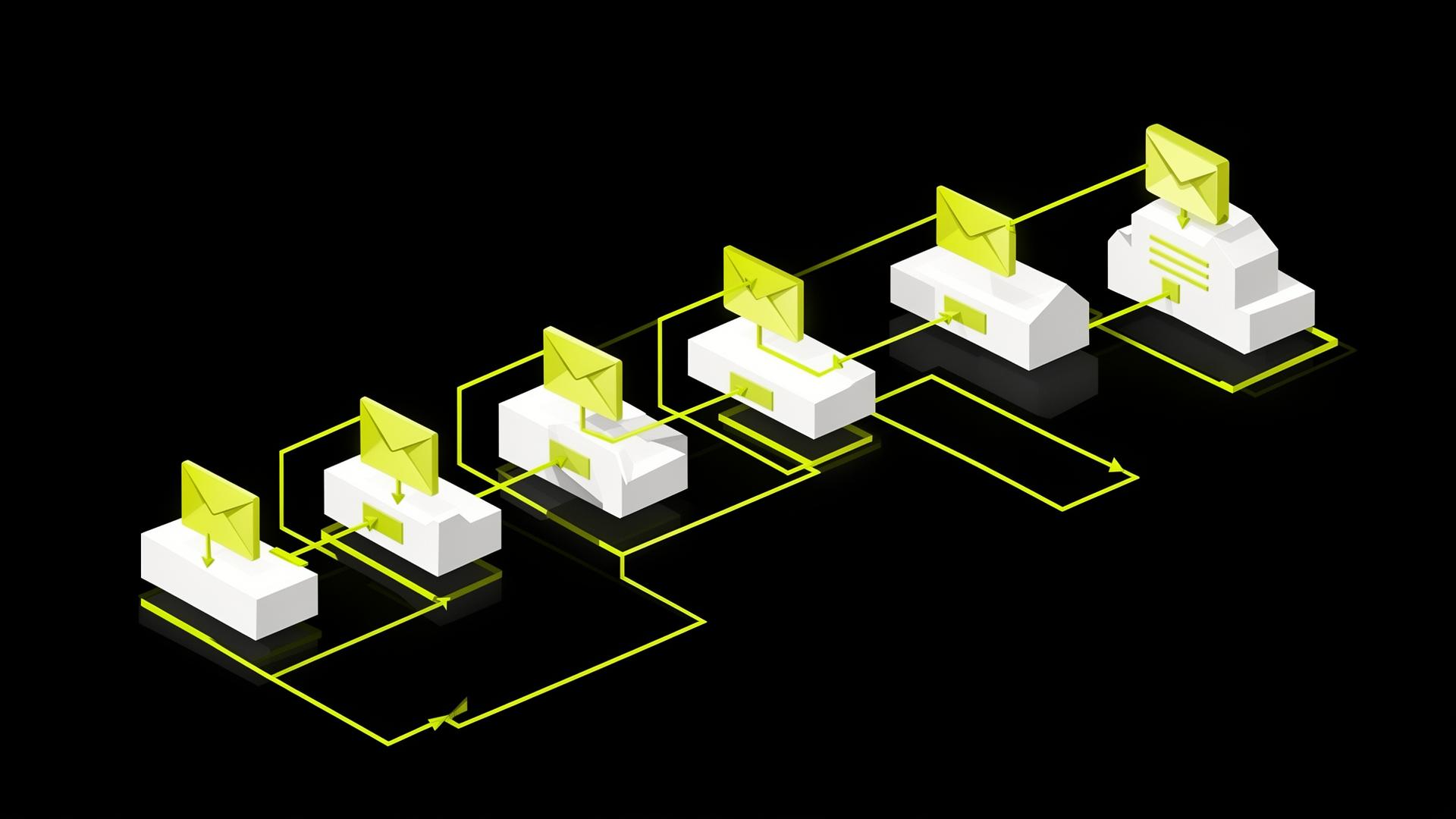
Klaviyo flows for Shopify are the difference between a store that grows on autopilot and one that lives or dies by paid traffic. If your Klaviyo account has 12 flows, half of them are probably making zero revenue. I see it in almost every audit.
The truth is, Shopify brands don't need 15 flows. They need 7 well-built ones, wired correctly into Shopify's event stream. Each one solves a specific moment in the customer journey, and together they handle 90% of what email and SMS automation should do for a DTC store.
I've built Klaviyo flows for 700+ DTC brands across skincare, fragrance, food and beverage, glamping, and home goods — almost all of them on Shopify. The setups vary by category, but the architecture below is consistent. This is what a high-performing Shopify-Klaviyo flow stack actually looks like, and the order to build it in.
- Klaviyo Partner
- Shopify Partner
- Omnisend Partner
- Smile.io Partner
- 700+ DTC Brands Served
Don't have a Klaviyo account yet? You'll need one before you can build these flows. Create free Klaviyo account →
Want the same framework applied across every ecommerce automation, not just Shopify? Read the 9 ecommerce email automation examples →
Shopify-native setup — what to wire before you build flows
The #1 reason Klaviyo flows underperform on Shopify isn't bad copy — it's a half-finished integration. Before you build a single flow, confirm Shopify is firing the right events into Klaviyo and that customer properties are syncing both ways.
- Klaviyo's Shopify integration installed with read/write enabled (not just read).
- Web tracking active: Active on Site, Viewed Product, Started Checkout firing on every PDP and cart page.
- Order events: Placed Order, Fulfilled Order, Cancelled Order, Refunded Order all syncing in real time.
- Custom catalog feed connected — without this, product blocks render generic and abandoned-cart emails miss images.
- Subscriber properties from Shopify: accepts_marketing, total_spent, order_count, last_order_date — these are the backbone of every segment you'll build.
- Checkout Extensibility consent capture wired (mandatory for new Shopify checkouts in 2025+ — old checkout.liquid SMS consent blocks no longer fire).
Suspect your integration is the bottleneck? Audit your Shopify-Klaviyo integration in 30 minutes →
Shopify Flow vs Klaviyo flows — which does what
Founders mix these up constantly. They're different tools that complement each other, not competitors.
- Shopify Flow → operational automation inside Shopify. Auto-tag high-value customers, hold fraudulent orders, trigger inventory restocks, route fulfillment. Lives in your admin, never sends an email.
- Klaviyo flows → customer messaging. Welcome series, abandoned cart, post-purchase nurture, winback. Lives in Klaviyo, sends email and SMS based on Shopify events.
- Best practice → use Shopify Flow to tag customers ("VIP", "At-Risk", "Wholesale") then let those tags trigger Klaviyo segments. The two systems compound.
Rule of thumb: if the automation affects an order, inventory, or staff workflow, it's Shopify Flow. If it sends a message to a customer, it's a Klaviyo flow.
Why flows beat campaigns on Shopify
Campaigns are emails you send manually to a list. Flows are automated sequences triggered by Shopify behavior — someone signs up, abandons a cart, places an order. Flows run on autopilot, are triggered by intent (so conversion rates are typically 5–10x higher than broadcast), and scale with your store traffic.
1. Klaviyo welcome flow
The most important flow you'll build. Triggered when someone signs up for your list, usually via the Klaviyo pop-up offering a discount.
- Email 1 (within 1 hour): Deliver the discount. No story, no brand intro. Just the code, clear CTA, and an expiry reminder.
- Email 2 (Day 1): Brand story. Who you are, why you exist, what makes the product different.
- Email 3 (Day 3): Best sellers or hero product (pulled dynamically from your Shopify catalog feed).
- Email 4 (Day 5): Social proof — reviews, press, UGC.
- Email 5 (Day 7): Final discount reminder.
Shopify-specific tip: exclude profiles where accepts_marketing=false from Shopify imports, otherwise you'll dump welcome emails on customers who never opted in. Also exclude anyone with order_count ≥ 1 — they're customers, not prospects.
Common mistakes: discount buried below brand story, no exclusion for existing customers, flow ends after the discount expires. A well-built welcome series generates 25–40% of all Klaviyo revenue for newer Shopify stores.
2. Klaviyo abandoned cart flow
Triggered when someone starts checkout but doesn't complete. Use the Started Checkout trigger (a Shopify event), not Added to Cart — it filters out tire-kickers and matches what Shopify actually considers a conversion opportunity.
- Email 1 (1 hour): Soft reminder plus cart contents (pulled from the checkout payload).
- Email 2 (24 hours): Address objections — shipping, returns, sizing.
- Email 3 (48 hours): Discount or urgency.
- SMS 1 (4 hours after Email 1): Brief nudge.
- SMS 2 (36 hours): Before Email 3.
Shopify-specific tip: add a Placed Order filter at the top of the flow so the moment Shopify fires Placed Order, the recipient exits. Without it, you'll send abandoned-cart emails to people who already bought.
3. Browse abandonment flow
Triggered when someone fires Viewed Product (a Klaviyo web-tracking event on your Shopify PDPs) but doesn't add to cart. Lower-intent than abandoned cart, so the flow is shorter and softer: one email at 3–6 hours, optional second email at 48 hours. Don't discount on browse abandonment — it trains people to never buy at full price.
Shopify-specific tip: use the catalog feed to render the exact product viewed plus 3 related items by collection — Klaviyo pulls this directly from your Shopify product feed.
4. Klaviyo post-purchase flow
The flow that actually drives long-term Shopify revenue. Most stores treat this as a transactional afterthought. It should be a 6–8 email engine: order confirmation, shipping, anticipation, product use, review request (timed to product type), cross-sell, replenishment reminder.
Shopify-specific tip: branch the flow on order_count. First-time buyers get a heavier brand/education arc. Repeat buyers (order_count ≥ 2) skip the brand story and go straight to cross-sell or replenishment. This single split typically lifts repeat-purchase rate 15–20%.
Skincare: review at Day 7, replenishment at Day 45. Supplements: review at Day 14, replenishment at Day 25. Apparel: review at Day 10, heavy cross-sell. Building out the full 7-email post-purchase flow typically delivers a 15–25% lift in customer LTV.
5. Klaviyo winback flow
Triggered when a Shopify customer hasn't purchased in 60, 90, or 120 days (use Klaviyo's predictive analytics on the last_order_date property). Email 1: "We miss you" — emotional, no discount. Email 2 (3 days later): soft incentive. Email 3 (7 days later): stronger incentive with deadline. The order matters — lead with appreciation, then escalate.
Shopify-specific tip: segment winback windows by category. Coffee at 30 days, skincare at 60, apparel at 120. The wrong window kills the flow.
6. Klaviyo sunset flow
The flow nobody likes building, but it protects your sender reputation. Triggered when a contact hasn't opened or clicked in 90+ days. Three emails over ~14 days, then auto-suppress.
7. Birthday flow (optional)
If you collect birthday data via a Klaviyo form on your Shopify storefront: 3 days before with a gift, day-of with a small treat. Not essential, but high-engagement and brand-positive. Works especially well for skincare, fragrance, and gifting brands.
Shopify-specific triggers most stores miss
Beyond the core 7, these Shopify-native flows quietly print money for stores that bother to build them:
- Back-in-stock — Klaviyo BIS form on Shopify PDPs auto-fires when inventory > 0 again. 20–40% conversion is normal.
- Price drop — triggered when a watched product drops in price (uses Klaviyo's price-drop event on Shopify catalog).
- Subscription churn — if you run Recharge, Skio, or Bold Subscriptions, build a flow on the "subscription cancelled" or "payment failed" event. Recovers 25–40% of would-be churn.
- Predicted next-order — Klaviyo's predictive analytics on Shopify order history estimates each customer's next purchase date. Trigger a flow 7 days before to capture replenishment.
- VIP onboarding — when total_spent crosses your VIP threshold, fire a dedicated flow with early access, perks, and a personal note.
Flow → Shopify segment mapping
Your flows are only as good as the segments they exclude and target. Build these Shopify-fed segments first, then wire them into the flows above:
- VIP — total_spent ≥ $500 (adjust to your AOV). Used to exclude from discount-heavy flows and trigger VIP onboarding.
- First-time buyer — order_count = 1. Used to branch post-purchase into the heavier education arc.
- Repeat buyer — order_count ≥ 2. Used to skip brand-story emails.
- Lapsed — last_order_date > 90 days ago. Used as the winback trigger.
- Engaged non-buyer — opened or clicked in last 30 days but order_count = 0. Your highest-intent prospect segment for campaigns.
- Product-category buyer — bought from a specific Shopify collection. Used for cross-sell flows that actually convert.
The order to build them in
If you're starting from zero on Shopify, build in this order. Don't try to launch all seven at once.
- Welcome — captures new revenue immediately.
- Abandoned cart — captures revenue you're already losing.
- Post-purchase (basic 3-email version) — drives repeat purchase.
- Browse abandonment — fills the gap before cart.
- Win-back — wakes up dormant customers.
- Sunset — protects sender reputation.
- Birthday — nice-to-have, high engagement.
Get your free Klaviyo audit Book a Klaviyo Partner audit →
Measurement on Shopify — reconciling Klaviyo and Shopify reporting
Klaviyo and Shopify will never report the same revenue number. Klaviyo uses a 5-day attribution window by default on email and 1-day on SMS. Shopify uses last-click. The gap is normal — usually 5–15%.
- Trust Klaviyo's attributed revenue for flow performance (it's the platform doing the triggering).
- Trust Shopify's total revenue for the denominator when calculating "% of revenue from Klaviyo."
- Tighten Klaviyo's attribution window to 3 days if you also run heavy paid social — it stops over-crediting flows.
- Tag UTM parameters consistently (utm_source=klaviyo, utm_medium=email/sms, utm_campaign=flow-name) so GA4 lines up.
Want the same measurement framework applied across every automation, not just Shopify flows? Read the ecommerce email automation playbook →
Common mistakes I see in Shopify flow builds
- No Placed Order exclusion — people in welcome keep getting emails after they buy from Shopify.
- Same copy for all customers — first-time and repeat Shopify buyers treated identically.
- Discount-stacking — welcome 10% + cart 15% = trained discount-shopper.
- Set and forget — flows built 18 months ago, never updated when Shopify changed Checkout Extensibility.
- No SMS layer — adding SMS typically adds 15–25% to flow revenue on Shopify stores.
- Catalog feed not connected — abandoned-cart emails render without product images. Kills CTR.
“Their flow architecture turned a dead list into a six-figure quarter. Worth every dollar.”
Want the full commercial breakdown of every flow, with pricing and timeline? See the Klaviyo Flows pillar →
Not sure which of these are broken in your account? Run our 30-minute Klaviyo audit checklist →
Want to know if Klaviyo is even the right tool for your Shopify store? Read the complete Klaviyo for Shopify guide →
Frequently Asked Questions
How many Klaviyo flows do I need for a Shopify store?
Five core flows is enough to start: welcome, abandoned cart, browse abandonment, post-purchase, and sunset. Add winback once you have customers from 60+ days ago to re-engage. Most mature Shopify stores end up at 7–10 flows.
How long should each Klaviyo flow be?
Welcome: 4–6 emails over 7–14 days. Abandoned cart: 3 emails over 48 hours. Post-purchase: 5–8 emails over 30–60 days. Winback: 3 emails over 14 days. Browse abandonment: 1–2 emails. Sunset: 3 emails over 14 days.
Should I include SMS in my Klaviyo flows on Shopify?
If you have SMS consent — yes, especially for abandoned cart, post-purchase, and winback. SMS recovers 30–50% more revenue than email-only on these flows. Make sure consent is captured via Checkout Extensibility, not the legacy checkout.liquid block.
What's the difference between a Klaviyo flow and a Shopify Flow?
Shopify Flow is operational automation inside Shopify admin — tagging customers, holding fraud orders, inventory triggers. Klaviyo flows are customer messaging — email and SMS triggered by Shopify events. They complement each other; many stores use Shopify Flow to tag customers, then Klaviyo flows to message those tags.
Does Klaviyo replace Shopify Email?
Yes, for any Shopify store doing more than ~$200K/year. Shopify Email is fine for occasional broadcasts but lacks the flow logic, segmentation, and Shopify event integration Klaviyo offers. Most growing Shopify brands migrate off Shopify Email entirely within the first year.
How does Klaviyo handle Shopify Checkout Extensibility?
Klaviyo released native Checkout Extensibility consent blocks in 2024 — they replace the old checkout.liquid SMS consent code. If you migrated to the new Shopify checkout and didn't reinstall the consent block, you've been losing SMS opt-ins silently. Verify in Klaviyo → Lists → Subscribe pages.
Can Klaviyo flows trigger from Shopify Flow actions?
Indirectly — Shopify Flow can update customer tags, and those tag updates sync to Klaviyo as profile-property changes, which can trigger Klaviyo flows. So yes, but the trigger lives on the Klaviyo side, not Shopify Flow itself.
Do Klaviyo flows work with Shopify subscriptions (Recharge, Skio, Bold)?
Yes. All three push subscription events (created, cancelled, payment failed, upcoming charge) into Klaviyo, which you can trigger flows from. Subscription-churn flows alone typically recover 25–40% of would-be cancellations.
How long does it take to set up Klaviyo flows on Shopify?
A full 7-flow setup with copy, design, segmentation, Shopify integration verification, and testing takes 40–60 hours of build time. Most agencies do this in 3–4 weeks for a typical Shopify store.
What are the best Klaviyo flows for a new Shopify store?
Start with welcome and abandoned cart. Together they cover 60–70% of automation revenue. Add post-purchase next once you have a steady volume of orders. Browse abandonment, winback, and sunset come once your list crosses 5,000 subscribers.
Need someone to build these for you? See our Klaviyo flow setup service →
Want the agency to take it end-to-end? Book a free Klaviyo audit →
Want a loyalty program wired into these flows? Read the Smile.io setup guide →